Template:VehicleInfobox
Jump to navigation
Jump to search
Usage Examples
This template should not be invoked directly. To display a Vehicle infobox, use Module:Vehicles, as shown below.
| Module Call | Output | ||||||||||||||||||
|---|---|---|---|---|---|---|---|---|---|---|---|---|---|---|---|---|---|---|---|
{{#invoke:Vehicles|get|Sandbike}}
|
| ||||||||||||||||||
{{#invoke:Vehicles|get|Assault Ornithopter}}
|
| ||||||||||||||||||

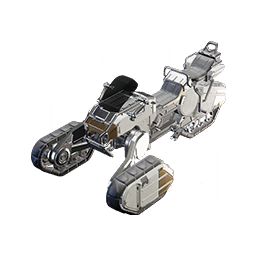


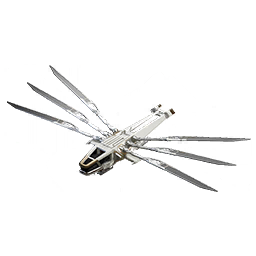

TemplateData
This template renders an infobox for a Vehicle, invoked exclusively by Module:Vehicles.
| Parameter | Description | Type | Status | |
|---|---|---|---|---|
| title | title | no description | Page name | required |
| display_title | display_title | no description | String | required |
| type | type | no description | String | required |
| display_type | display_type | no description | String | required |
| category | category | no description | String | required |
| display_category | display_category | no description | String | required |
| minimum_tier | minimum_tier | no description | String | required |
| crew_capacity | crew_capacity | no description | String | optional |