Template:DLCInfobox
Jump to navigation
Jump to search
Usage Examples
This template should not be invoked directly. To display a DLC infobox, use Module:DLC, as shown below.
| Template Call | Output | ||||||||||||
|---|---|---|---|---|---|---|---|---|---|---|---|---|---|
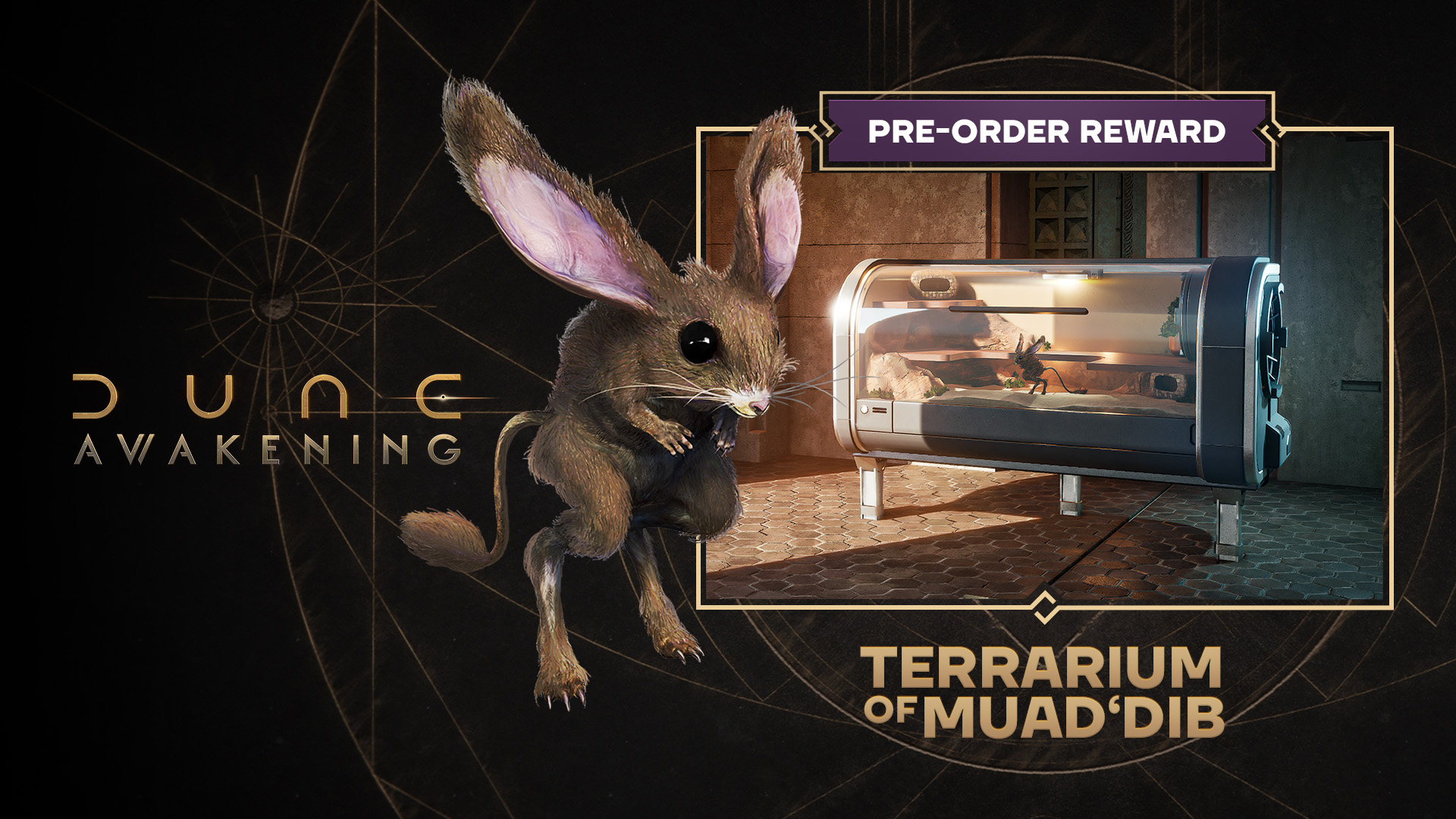
{{#invoke:DLC|get|Terrarium of Muad'Dib}}
|
| ||||||||||||
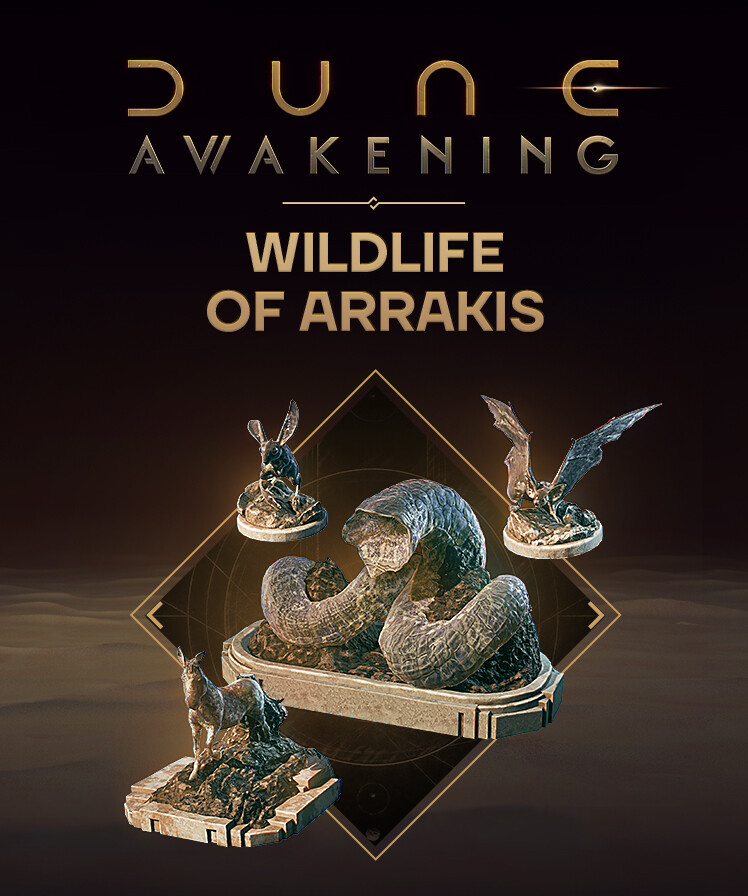
{{#invoke:DLC|get|Wildlife of Arrakis
|contents =
* [[Wildlife]]-themed Decorations
}}
|
| ||||||||||||



TemplateData
This template renders an infobox for a DLC, invoked exclusively by Module:DLC.
Note: The 748x896px hero_capsule_2x.jpg image from the corresponding Steam store page should be uploaded as <DLC_NAME>.jpg.
| Parameter | Description | Type | Status | |
|---|---|---|---|---|
| title_header | title_header | no description | String | optional |
| title | title | no description | Page name | required |
| display_title | display_title | no description | String | required |
| type | type | no description | String | required |
| display_type | display_type | no description | String | required |
| release_date | release_date | no description | String | required |
| contents | contents | no description | Content | optional |
| steam | steam | no description | URL | optional |
| xbox | xbox | no description | URL | optional |
| ps | ps | no description | URL | optional |